MyClubmoor
Location: Townsend Ave, L11 5AF
Lesson Time: 2 hrs Weekly
4 Weeks
Comprehensive Video Editing
& Visual Effects Journey
Expert Teachers
Guided by Industry Professionals
Supporting Your Creative Growth
The Editing & VFX Journey
Master DaVinci Resolve over 4 immersive weeks at MyClubmoor. From basic cuts to advanced visual effects, we break down the professional pipeline into friendly, community-focused sessions.
Week 1: The Resolve Interface
Lesson Time: 2 Hours
Week 2: Crafting the Story
Lesson Time: 2 Hours
Week 3: Visual Effects & Color
Lesson Time: 2 Hours
Week 4: Audio & Final Export
Lesson Time: 2 Hours
Setting up your first project. We'll explore the Media and Cut pages, learn how to import footage, and understand the DaVinci Resolve workflow tailored for beginners.
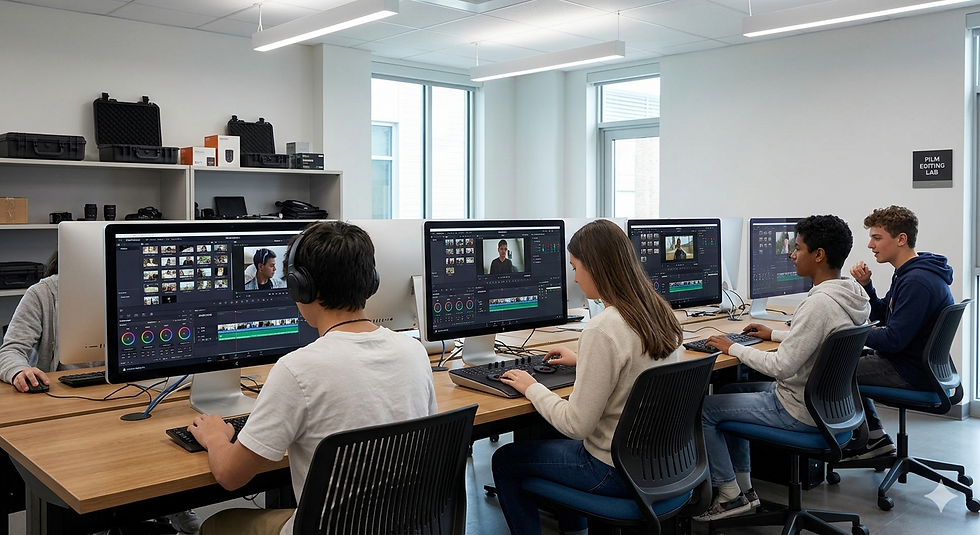
Equipment: Workstations with DaVinci Resolve, practice footage library.
Focusing on the Edit page. Learn the art of the cut, using transitions meaningfully, and basic sound syncing to make your community projects stand out.
Equipment: Pro-grade monitors, studio headphones, raw interview samples.
Introduction to the Color and Fusion pages. We'll explore basic nodes, color correction for a cinematic look, and simple visual effects to enhance your footage.
Equipment: Color-calibrated workstations, green screen assets.
Finalising your project in the Fairlight and Deliver pages. Audio mixing, noise reduction, and exporting for YouTube, social media, or a local screening.
Equipment: USB-C drives for export, sample export templates.


MyClubmoor, Townsend Ave, L11 5AF
Location
Week-by-Week Curriculum

Week 1: Introduction to DaVinci Resolve & Interface
Duration: 120 mins | Activity: Workspace setup and media import
Start your journey by navigating the DaVinci Resolve ecosystem. We'll set up project libraries, explore the Edit and Cut pages, and learn the essential shortcuts for community-driven storytelling.
Equipment Needed: USB Drive, Personal Laptop (Optional), Headphones.

Week 2: Advanced Editing Techniques & Flow
Duration: 120 mins | Activity: Multi-cam editing and pacing exercises
Master the art of the 'cut'. This week focuses on narrative pacing, ripple edits, and organizing long-form footage for community projects or personal documentaries.
Week 3: Color Grading & Visual Aesthetics
Duration: 120 mins | Activity: Color matching and cinematic LUT application
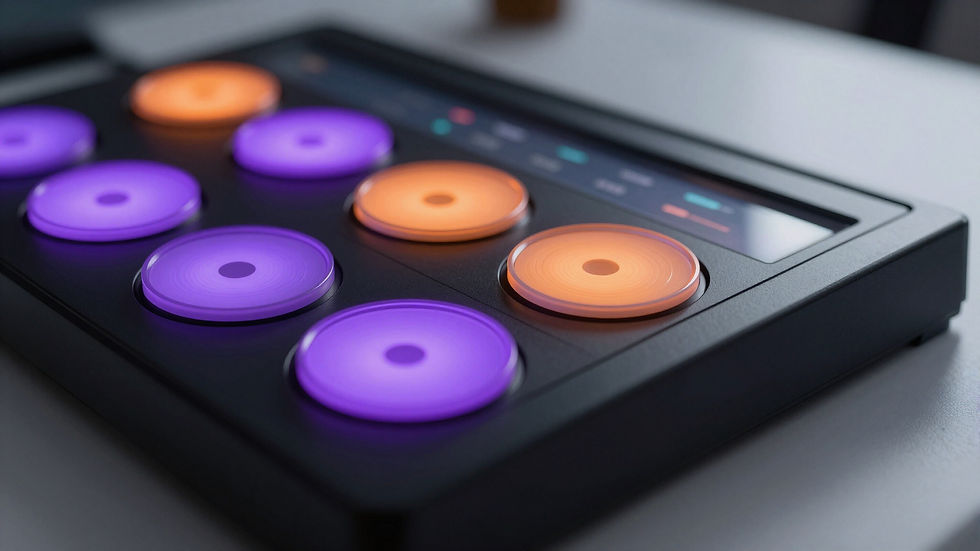
Learn why DaVinci Resolve is the industry standard for color. We'll cover primary wheels, nodes, and how to create a consistent 'look' for your film production.

Enroll Today: Film Production & Mastering DaVinci Resolve
Join our 4-week community course at MyClubmoor. Designed for community learners, this course covers everything from video editing fundamentals to advanced visual effects. No previous experience required—just bring your creativity!
2 Hours Per Session
Lesson Time
Week 4: Fusion VFX, Audio & Final Export
Duration: 120 mins | Activity: Title creation and final screening
Finalize your masterpiece! We explore basic Fusion nodes for motion graphics and clean up audio in Fairlight before rendering high-quality versions for YouTube or cinema.
Course Length
4 Weeks Duration
Experienced Local Media Pros
Teachers
Secure Your Spot
Fill out the form below to register for the next 4-week cohort. We welcome all skill levels!
Course Curriculum
Week 1: Introduction to DaVinci Resolve
Duration: 2 Hours | Focus: Projects & Media Pool
We'll start by setting up your first project. You'll learn how to import media into the Media Pool, organise your clips, and get comfortable with the 'Edit Page' interface.
Equipment: Workstations with DaVinci Resolve installed.
Week 2: Advanced Editing & Audio
Duration: 2 Hours | Focus: Trimming & Fairlight
Explore precise trimming and the art of transitions. Jump into the Fairlight page to learn how to clean up audio, balance levels, and add background music.
Equipment: Headphones, Audio library access.
Week 3: Colour Correction & VFX
Duration: 2 Hours | Focus: Nodes & Fusion
Learn primary wheels and nodes to ensure your footage looks professional. Get a friendly introduction to Fusion for adding basic visual effects and titles.
Equipment: High-color accuracy monitors.
Week 4: Final Refinements & Exporting
Duration: 2 Hours | Focus: Delivery Page
Focus on the finishing touches. Learn how to use the Deliver page to export your masterpiece for YouTube, Social Media, or cinema files.
Equipment: Export presets, cloud storage links.